AI Logo or Brand Identity? What to Check Before You Launch
TL;DR
In this guide
- Give AI a clear role. Use exploration to support a defined audience, message and application brief.
- Review the complete identity. Check the concept, real uses, production files and templates your team needs.
- Keep decisions explicit. Record what to retain, refine or reject and who resolves the remaining work.
An AI logo tool can help you explore directions quickly. Before using the result across your business, check whether it belongs to a usable identity: a clear message, recognisable visual choices and files that work in the places customers will see them.
This question is especially relevant as creative AI becomes part of ordinary design work. In its 18 September 2026 report from AI Vision London, Canva discussed the growing importance of distinctive brand choices as generation becomes easier. That is an industry perspective, not proof that one design method produces better business results. See Canva’s AI Vision London discussion.
The guide at a glance
Three parts of a usable brand identity
01
Purpose
Define the audience, offer and applications before comparing directions.
02
Practical use
Test the concept, source files and everyday materials together.
03
Clear decisions
Record what to retain, refine or reject and who owns the open work.
Decide what you want AI to help with
There are useful roles for AI during a branding project: exploring visual territories, turning a description into something the team can discuss, and producing variations to evaluate. Those roles work best when the audience, offer and intended applications are already clear.
A prompt such as “create a modern, professional logo” leaves most of the business decisions unstated. Give the exploration a purpose instead: who needs to recognise the business, what it does, which existing elements matter and where the identity must work.
A logo is one part of the identity
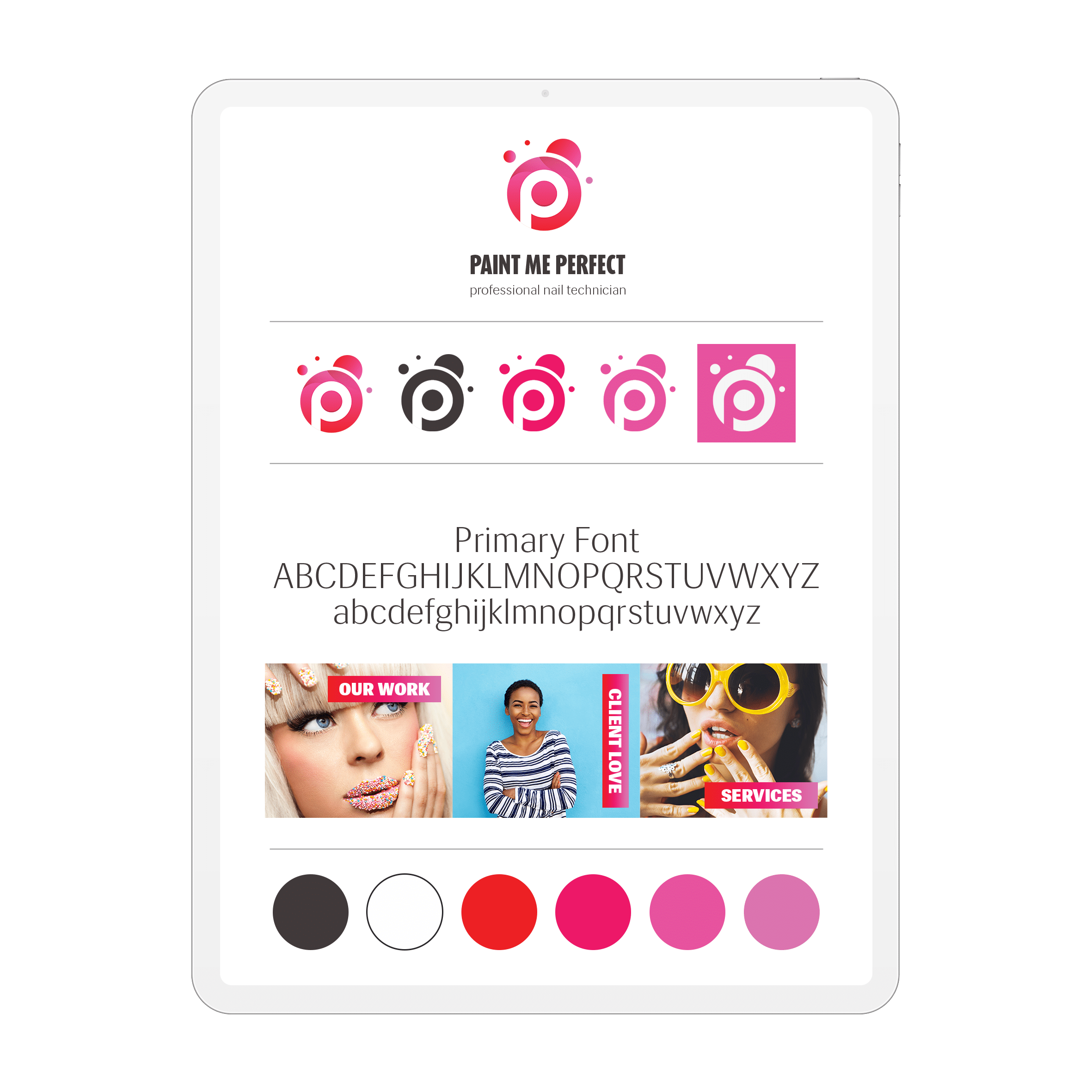
The logo identifies the business, but the wider system shapes its everyday communication. That system may need typography, colour roles, imagery, diagrams, layout rules and templates for the materials your team uses.
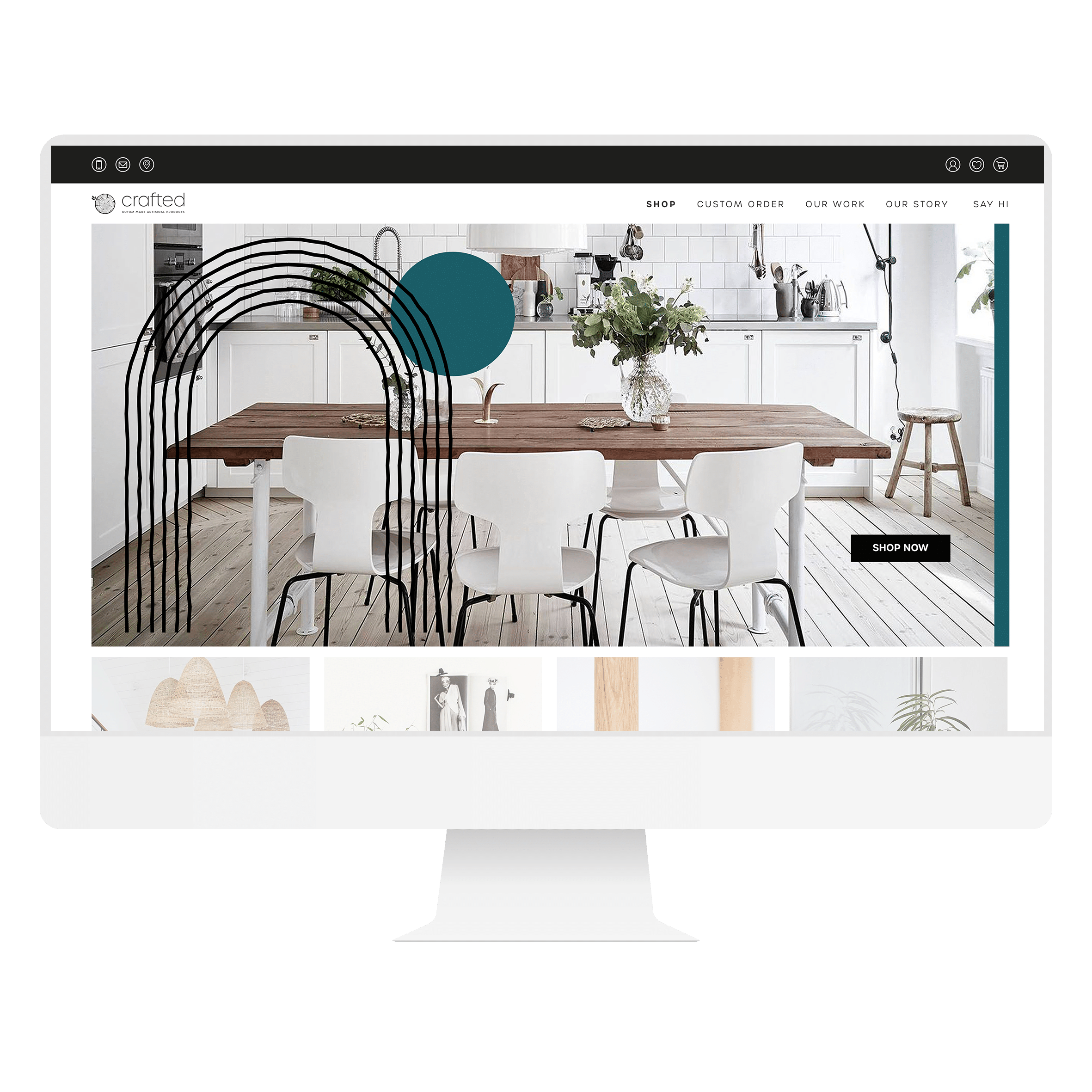
Consider a consultancy that needs a website, company profile and proposal template. Even an approved logo leaves practical questions: how are headings organised, how does a diagram look, what happens when a service name is long, and which layouts can staff edit?
These questions apply whether the starting point was drawn by a designer, generated with AI or developed through both. The scope should describe the result you need rather than assuming that the tool determines completeness.
The brand identity and handover guide explains how to define those deliverables.
Review the concept in five practical ways
1. Relevance to the business
Ask what the direction communicates and why that fits the audience. Compare it with the agreed positioning. If the explanation depends on vague words such as “innovative” or “premium”, bring the discussion back to the actual offer and customer experience.
2. A distinctive direction
Compare relevant businesses in your category. Look for repeated symbols, similar arrangements and a colour approach that makes the concept hard to distinguish. This is a design review; it is not a clearance opinion or a guarantee of exclusivity.
3. Legibility in ordinary use
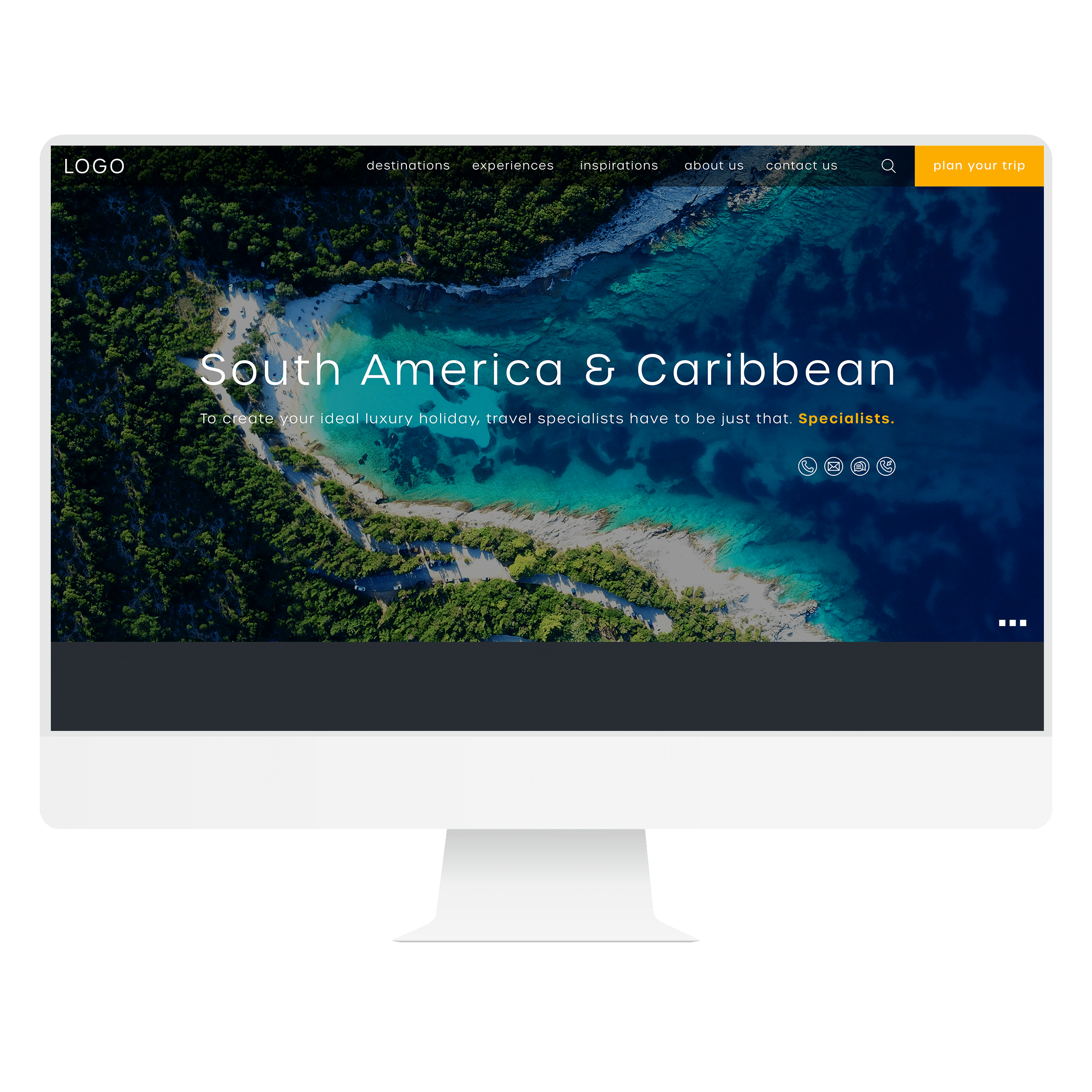
Check the full business name, spelling, letter spacing and symbol at the smallest important size. Try the website header, a document footer and a simple one-colour use. Use real backgrounds and content, not only a large mockup with ideal spacing.
4. Usable production files
Ask the designer or production supplier to inspect the relevant source and exports. Confirm the versions needed for website, document and print use. If you only have an image preview, include source preparation in the scope rather than treating it as complete artwork.
5. A system the team can maintain
Test the identity in a few real materials together. Then ask the person who will use the template to make a normal update. This reveals problems that a static presentation cannot: missing assets, unclear rules or layouts that break when the text changes.
Choose the right next brief after an AI concept
A promising concept can lead to three different kinds of work. Test it in real applications first, then use the condition that best matches the evidence. This is a design decision tool; it does not settle asset permissions or specialist clearance.
Revisit the direction
When: the concept suggests the wrong offer, resembles the category too closely or depends on an explanation the audience will never see.
Brief next: return to the audience, message and retained recognition. Agree what the design must communicate before producing more variations. Better file preparation cannot repair a direction that misses the brief.
Refine the artwork
When: the direction fits, but the full name is difficult to read, small details disappear or the supplied artwork cannot support the agreed uses.
Brief next: refine the lettering, spacing, shapes and arrangements; prepare the required source and export files; and repeat the failed application tests. Keep the concept approval separate from final artwork approval.
Extend the identity system
When: the mark works, but the website, proposal and other everyday materials still look unrelated or staff cannot update them consistently.
Brief next: define colour roles, typography, layout rules and the specific templates the team needs. Test the files with the person who will edit them. A new logo is not automatically the missing deliverable.
Run the same application test on every direction
- Make a test set: use the actual business name, a real website-header space, the smallest planned use, a one-colour application and one ordinary document. Agree the intended sizes with the relevant supplier; there is no universal minimum that suits every mark.
- Inspect ordinary viewing: review the header on a phone and the document at its intended size. Record which letters, details or backgrounds fail, rather than judging only an enlarged mockup.
- Inspect the source: ask the production owner to check editable elements, linked assets and required exports. Adobe documents editable SVG output from Firefly, so “AI-generated” does not by itself tell you whether the file is a flat image or usable vector artwork.
- Test the wider palette: try normal paragraph text, a link and a button using the proposed colour roles. W3C explains that the logo contrast exception does not extend to ordinary branded text. Keep decorative logo choices separate from readable interface and document colours.
- Record the decision: mark each application ready, needs amendment or not yet tested. Assign the unresolved item to someone and repeat that test after the revision.
A more useful brief than “make this logo professional”
Illustrative brief: “Keep the geometric direction as a reference. The full business name is hard to read in our mobile header, and we have not tested a one-colour version. Please assess the lettering and arrangements, prepare the agreed website and document files, and show the revised mark in those two uses. We also need an editable proposal template using the approved type and colour roles. List any unresolved production or permission checks separately.”
This brief identifies what is worth retaining, what failed and what the team needs to use. It leaves the designer room to propose a better solution and gives everyone a concrete basis for approval. Use our brand identity and handover guide to define the deliverables, then discuss the relevant scope through branding and visual identity.
Put it into practice
Copy this AI-assisted identity review sheet
Use the same sheet for every shortlisted direction so the decision stays tied to the brief.
- Business fit: audience, offer and the message this direction should communicate.
- Starting material: tool, supplied references, original assets and what has subsequently been edited.
- Retained elements: existing recognition or assets the project should preserve.
- Application tests: smallest use, one-colour use, real website header and a relevant document.
- Deliverables: agreed source files, ordinary exports, variations and templates.
- Permissions review: who checks the actual tool terms and supplied asset permissions for the intended use.
- Decision: retain, refine or reject, with a specific reason and owner.
- Open work: unresolved content, production, identity or specialist review requirements.
Keep in mind
Keep approval responsibility explicit
A creative review should not substitute for any specialist clearance the business requires. Keep the approval responsibility explicit rather than assuming a download button settles every question.
An example of a useful handover from exploration
Illustrative scenario: a professional-services business uses AI to explore a geometric symbol. The team likes the direction, but the generated lettering is unsuitable for its full name and there is no proposal system.
A useful next brief includes the exploration files, the reason the shape appeals, the correct name and the required applications. The design work can then assess the concept, develop the lettering and arrangements, test the result and build the agreed templates. If the concept does not fit the brief, the team has enough context to explore another direction.
Common mistakes to avoid
- Choosing a direction before defining the audience and offer
- Assessing only a large mockup with ideal spacing
- Assuming a file extension proves production readiness
- Approving a logo without testing the wider identity
A few useful answers
Common questions
When is an AI concept ready to use?
Keep generated options as proposals until they have been reviewed. A confident-looking presentation does not establish that a direction is appropriate. Use our brand strategy guide to define the message and evidence before comparing visuals.
Can AI tools produce editable vector files?
Inspect what the tool actually supplies. Some AI tools can produce editable vectors: Adobe documents SVG downloads from Firefly’s text-to-vector workflow. AI output is therefore not automatically limited to a flat image. Equally, an SVG filename alone does not establish that every detail has been prepared for your application.
Does AI exploration make the remaining scope predictable?
The value is a clearer starting conversation. It does not mean every generated concept should be retained, or that refinement has a predictable price or duration.