
Make the next action easier to understand
Application Design
An application interface needs to help someone complete a task, not simply look good in a presentation. We design product journeys, screens and UI systems for web applications and internal tools. The work connects what users need to do with the information, controls and feedback that help them do it.
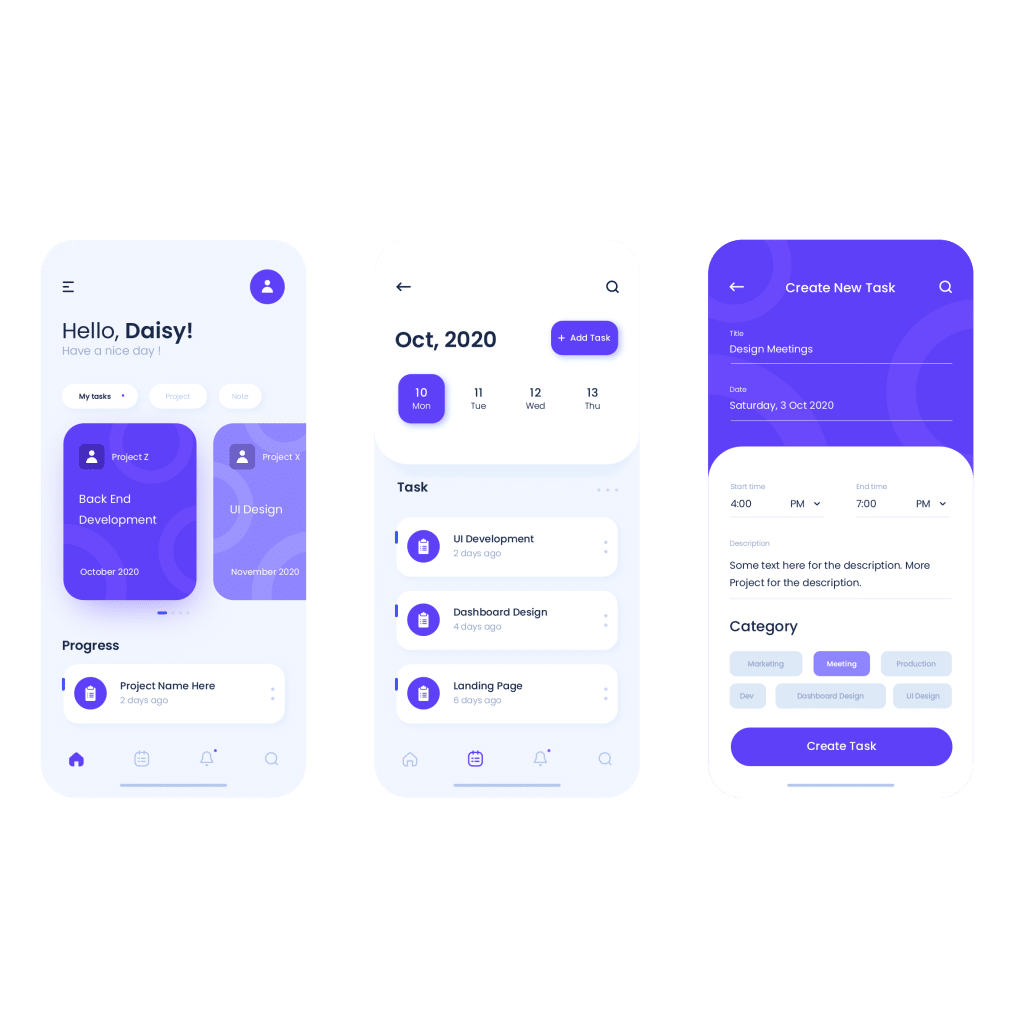
At a glance
A clear starting point
Start with the people using the product and their most important tasks. A clear journey gives each screen a purpose and makes it easier to discuss what belongs in the first release.
- Tasks before screens Map the actions, information and decisions behind the interface.
- A consistent UI system Use repeated patterns for controls, content and feedback across the product.
- A practical handover Make states, responsive behaviour and development questions visible in the design scope.
Explore this service
Our approach
What we do
User journeys and interface structure
We clarify who uses the application, what they are trying to accomplish and where the current journey becomes confusing. Account roles, information needs and decision points affect the structure. Mapping a complete task is more useful than starting with a disconnected list of screens or copying the navigation of another product.
Screen layout and information hierarchy
A dashboard, booking flow and ordering screen have different priorities. We organise the content so users can recognise the relevant information and next action. Realistic labels, representative data and longer content examples help expose problems that tidy placeholder screens can hide.
Reusable UI patterns
Buttons, inputs, cards, navigation and other repeated elements need consistent treatment. A shared set of design decisions helps screens feel connected and gives the development team clearer references. The extent of the component system should match the product and the agreed design handover.
States and interaction detail
Useful interface design considers what happens before and after a successful action. The brief should identify required empty, loading, validation and error states, along with different user permissions. These decisions make the design easier to review and reduce the number of unanswered questions passed into development.
Responsive design and developer handover
We consider how the agreed journeys adapt to the intended devices and document the design information needed for implementation. Development, live data connections and production testing require their own scope. If a developer is already appointed, their technical constraints and handover needs should be part of the conversation early.
Clear steps. Direct collaboration.
How we work
01
Understand the task
Describe the users, product purpose and priority workflows. Share the existing interface or a rough flow, along with the operational rules and constraints that shape the experience. Separate confirmed needs from ideas for later releases.
02
Map the journey
Arrange the steps and information needed to complete each agreed task. Review the sequence with the people who understand the process before investing in detailed screen styling.
03
Design and review the interface
Develop the visual layout and shared UI patterns using representative content. Review realistic scenarios, including incomplete information and alternate states, rather than approving screens only as individual images.
04
Prepare the design handover
Confirm the agreed screens, states and assets. Record unresolved product or technical decisions so the implementation team can distinguish approved design from questions that still need an answer.
See the work
Experience you can explore
Latina B2B ordering UX
The Latina project explores bulk ordering, product information and account management for retailers. It is a useful example of organising an interface around the needs of a specific user group.
Balex yacht booking UX
Explore the Balex user experience work, including navigation, yacht information, specifications and amenities. The project provides context for discussing how detailed information supports a booking journey.
Make the first conversation useful
What to bring to your brief
- The product purpose and main user groups.
- Priority tasks, screen list or an existing application to review.
- Roles, permissions and important business rules.
- Representative content and data, including difficult examples.
- Brand assets, intended devices and development-team requirements.
Useful resources
Plan the next step
App UI/UX design brief
Prepare the users, workflows, screens and handover requirements for an interface project.
Design project process
Understand the decisions, reviews and approvals that keep a design project moving.
Meet the team behind the work and see how we collaborate with clients in South Africa and internationally.
Before you start
Your questions, answered
Design defines the journeys, interface and behaviour to be implemented. Development makes those decisions work with the product’s technology and data. Tell us whether you need design support, implementation or both so the scope and handover are clear.
Yes. Share the application, its users and the tasks that cause difficulty. A focused journey or a group of important screens can be assessed before deciding whether the wider interface needs redesigning.
A rough outline is enough to start a discussion. It should explain the users, priority tasks and known constraints. If the product rules or requirements are still unresolved, that planning work needs to be recognised before a detailed screen scope is fixed.
The screen inventory and state coverage should be agreed explicitly. A polished main screen does not automatically cover permissions, empty data, errors or mobile variations. List those requirements so the design and development teams work from the same expectations.
Your next step
Start with the task your users need to complete
Share the product idea or current interface, the intended users and the journeys that matter most. We can help define a focused design brief.